
About Course
📘 Course Description
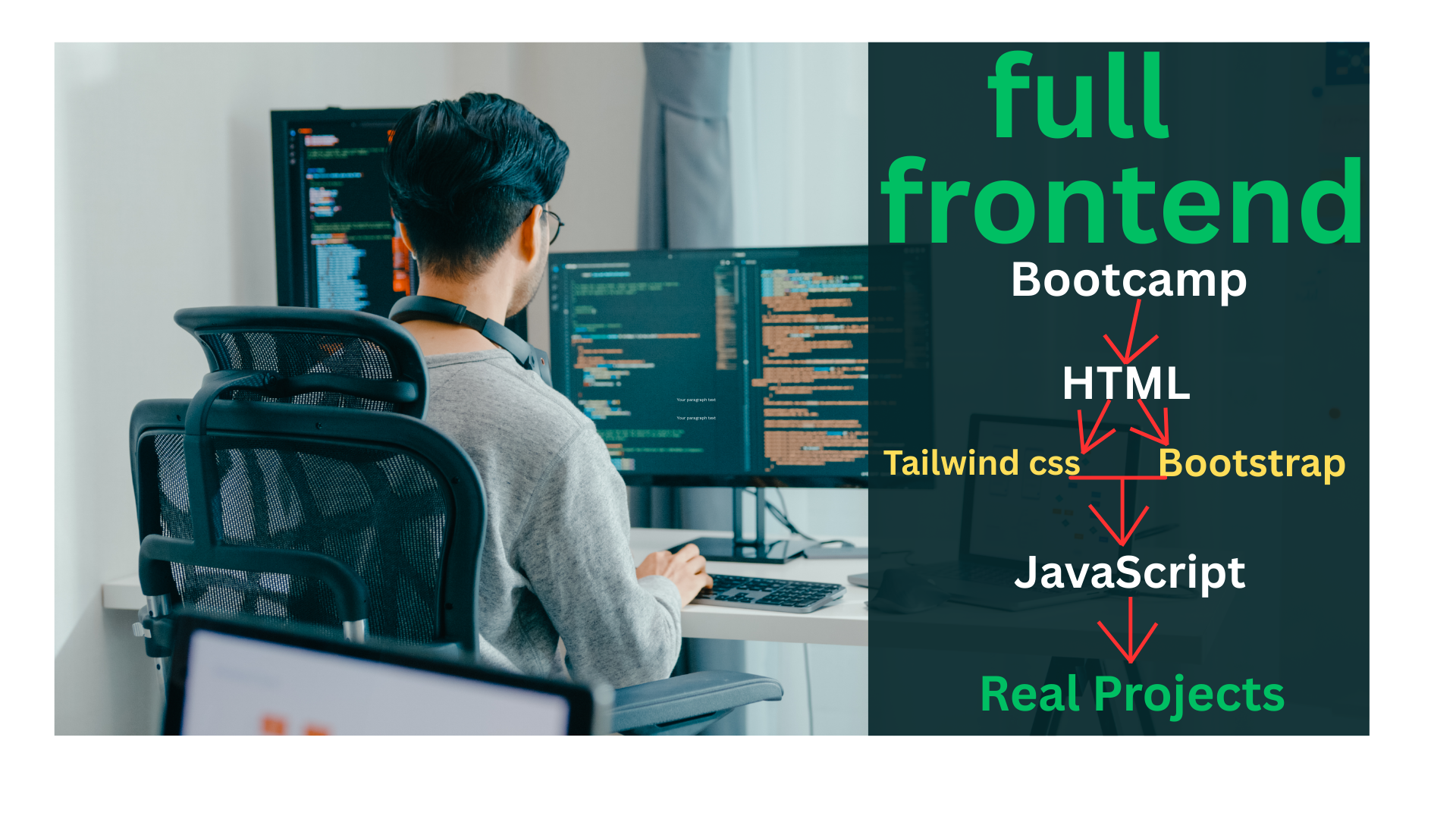
Modern Frontend Development Mastery: HTML, Tailwind, Bootstrap & JavaScript is a comprehensive, hands-on course designed to take you from beginner level to professional frontend developer by mastering today’s most in-demand frontend technologies. This course focuses on building modern, responsive, and interactive websites using a powerful combination of HTML, Tailwind CSS, Bootstrap, and JavaScript.
You will start by learning HTML to create clean, semantic, and accessible website structures. Then, you will master Tailwind CSS and Bootstrap, two of the most widely used CSS frameworks, to design fast, responsive, and visually appealing user interfaces with professional layout systems. You will learn when and how to use each framework effectively in real-world projects.
As you progress, you will apply JavaScript to bring your websites to life by adding interactivity, dynamic content, and user-driven features such as form validation, modals, navigation menus, and API-driven components.
Throughout the course, you will work on real-world projects, including landing pages, dashboards, portfolios, and interactive web applications. You will also learn modern frontend workflows, responsive design principles, UI best practices, and clean code organization.
By the end of this course, you will have the skills and confidence to build professional, responsive, and interactive websites, making you ready for freelance work, internships, or junior frontend developer roles.
Course Content
HTML Course
-
html introduction
06:50 -
how to create HTML file and folder
07:12 -
difference between H1 upto H6 and paragaph
09:30 -
HTML Elements Tags and Structure
07:41 -
Headings, Paragraphs, Comments, Line Breaks & Whitespaces part 1
06:17 -
Headings, Paragraphs, Comments, Line Breaks & Whitespaces part 2
05:35 -
HTML Attributes, Images & Links
07:43 -
HTML Lists and Tables
08:02 -
HTML Forms – Part 1
05:23 -
HTML Forms – Part 2
02:34 -
HTML Media, Divs & Spans part 1
05:38 -
HTML Media, Divs & Spans part 2
05:35 -
Semantic HTML
06:26 -
Block vs Inline
05:46